Plan your day
To-do lists and reminders without the clutter.
Create emoji lists, focus on Today, set due dates and priorities, then search or filter when the day gets busy.
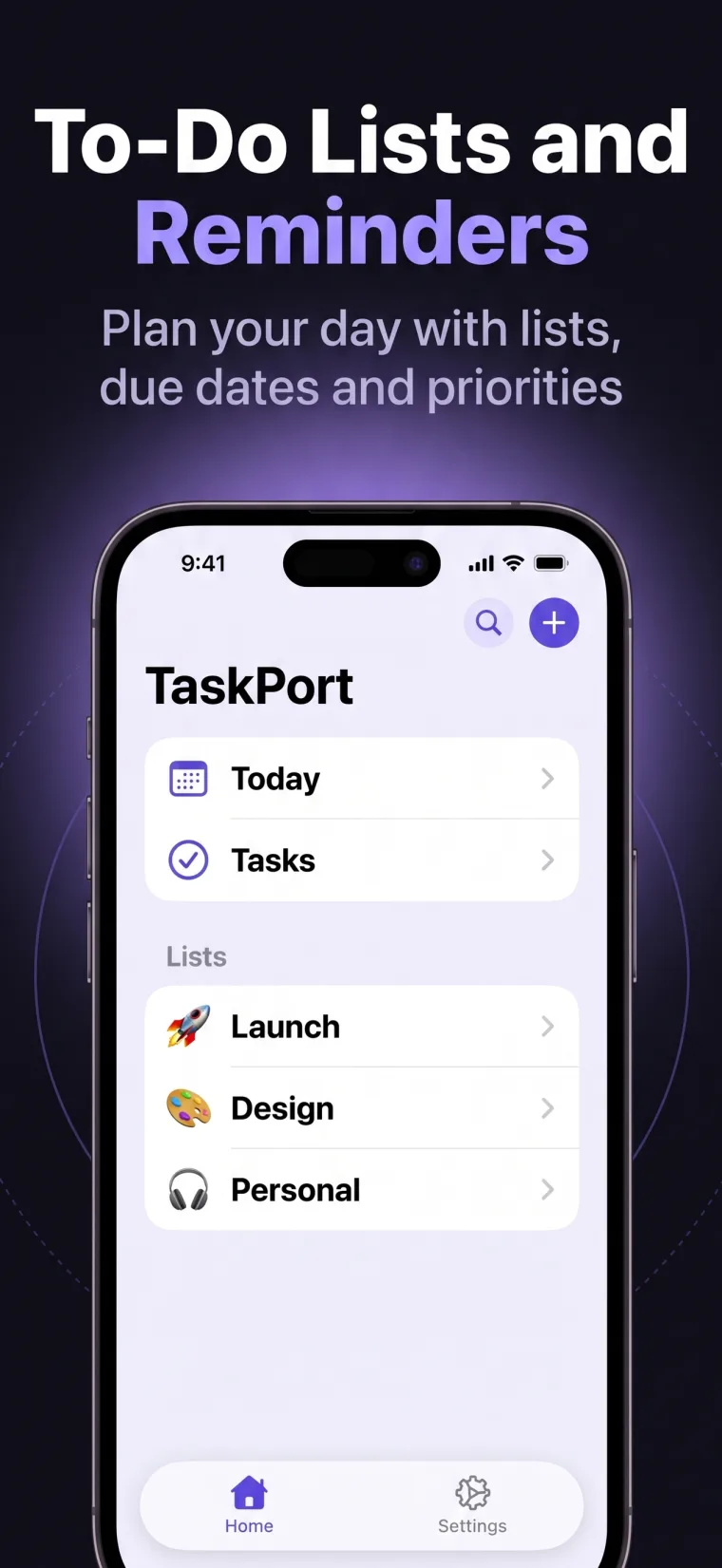
Simple to-do list + agent workflows
Plan tasks, reminders, and daily priorities on iPhone, iPad, and Mac. Then let authorized AI agents read, create, update, and complete work in the very same lists.
 Claude
 ChatGPT
 Hermes Agent
 OpenClaw
One account. Every device.
Plan on iPhone, spread out on iPad, and pick up again on Mac. Your lists—and the updates made by authorized AI agents—stay synchronized wherever you work.
Explore TaskPort on every screen →iPhone · iPad · Mac · One shared account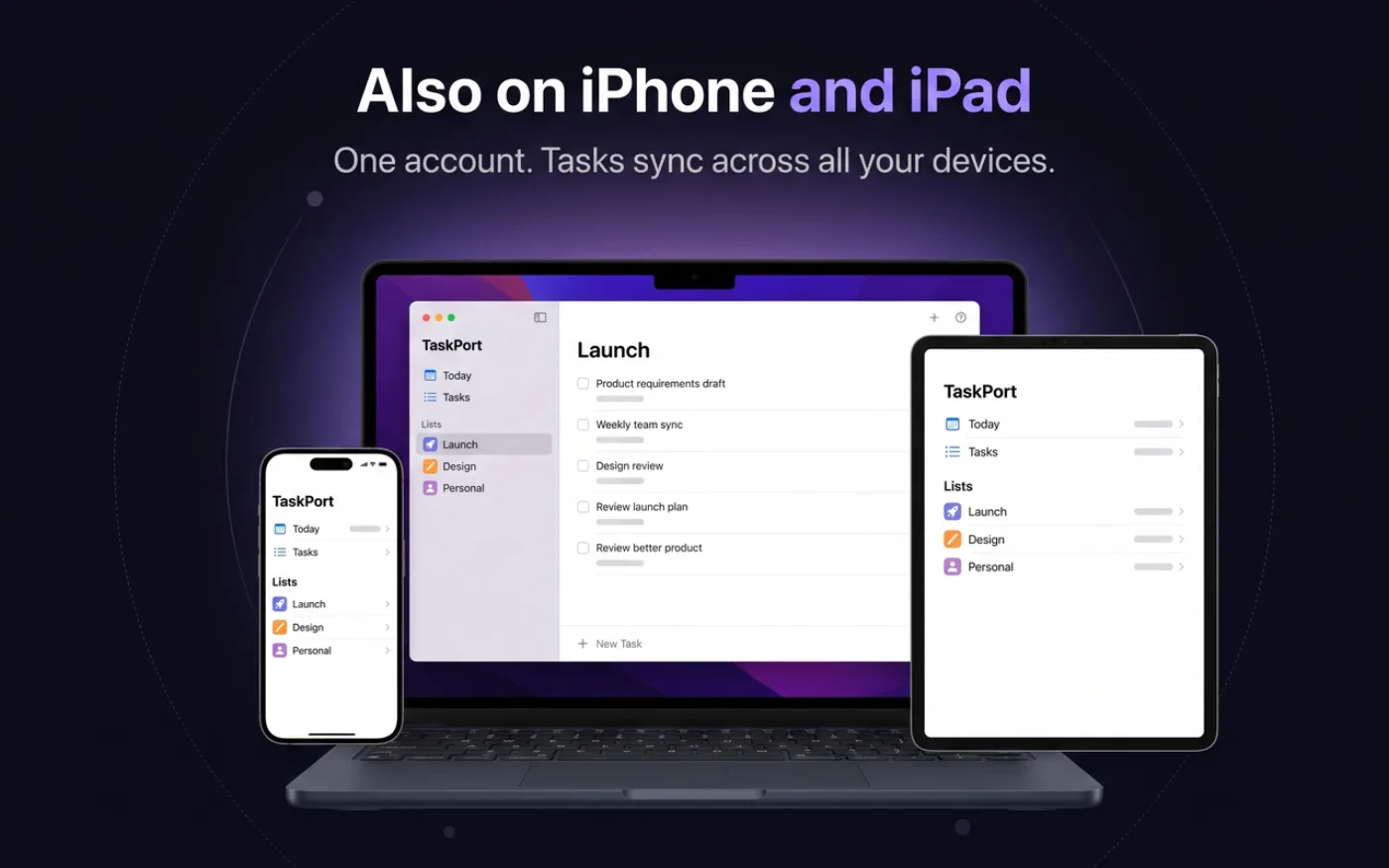
Simple for you. Useful for agents.
TaskPort looks and feels like a native Apple task app. Underneath, it gives the AI tools you choose a secure, structured way to help.
Create emoji lists, focus on Today, set due dates and priorities, then search or filter when the day gets busy.
Assign Read Only or Read & Write access. Agents can inspect, create, update, and complete tasks according to the permission you give them.
How AI task management works →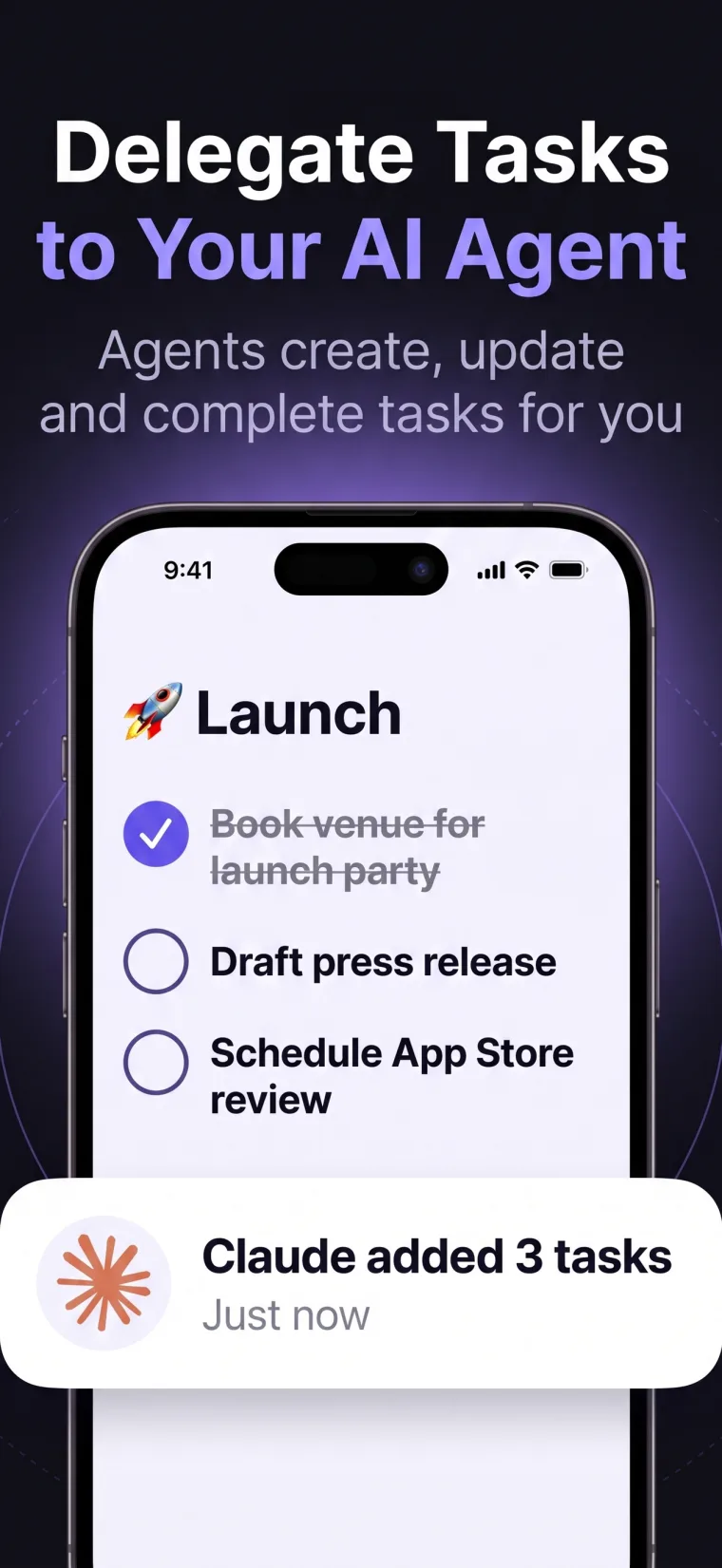
Break work down without scattering it across chats and docs.
Your current lists stay close whether you are at a desk or away.
Built on remote MCP
Create a separate token for Claude, ChatGPT, Hermes Agent, OpenClaw, or any compatible runtime. Revoke one connection without disrupting the rest.
Claude••••••••••••••••RevokeHermes Agent••••••••••••••••RevokeOpenClaw••••••••••••••••RevokeOne token per agent makes access easier to audit and revoke.
Use Read Only when an agent only needs awareness of your work.
Agents connect with a purpose-built token, never your TaskPort password.
End an agent connection immediately from TaskPort settings.
Native on every screen
TaskPort adapts to each platform instead of stretching one mobile layout everywhere. Use a native inspector on iPad and Mac, or a compact sheet on iPhone.
To-do list and agent guides
Start with a simple to-do list or daily planner, then explore how OpenClaw, Hermes Agent, and other MCP-compatible agents can help.
Tasks, reminders, due dates, and priorities without the clutter.
↗GuideUse Today, personal lists, and due dates to plan what comes next.
↗GuideUse OpenClaw with a shared task list you still control.
↗GuideConnect the agent that grows with you to the work that matters.
↗GuideKeep human planning and authorized agent updates in one visible system.
↗GuideGive remote MCP agents structured, revocable access to tasks.
↗Frequently asked
TaskPort is intentionally simple: your list stays yours, and AI access exists only when you create it.
It is both. TaskPort works as a simple personal to-do list and daily planner without AI. When you choose to connect a compatible agent, the same lists become a permissioned AI task manager through remote MCP.
Yes. Use the Today view, personal lists, due dates, priorities, subtasks, notes, search, and filters to capture tasks and decide what to finish next.
TaskPort works with MCP-compatible agent runtimes. That can include Claude, ChatGPT, Hermes Agent, OpenClaw, and other agents when their current environment supports remote MCP servers and authorization headers.
Only if you explicitly create a Read & Write token. A Read Only token can inspect lists and tasks but cannot modify them. Every token can be revoked immediately in TaskPort.
Yes. Sign in with one account and TaskPort securely synchronizes your lists and tasks across its native iPhone, iPad, and Mac apps.
TaskPort is a task app that exposes a secure remote MCP server for your authorized agents. Your AI agent runtime acts as the MCP client and connects using the token you create in TaskPort.
No. TaskPort does not use your account information or task content for advertising, cross-app tracking, or marketing, and it does not sell personal information.
One list. Human judgment. Agent momentum.